> For the complete documentation index, see [llms.txt](https://docs.cloudnotte.com/llms.txt). Markdown versions of documentation pages are available by appending `.md` to page URLs; this page is available as [Markdown](https://docs.cloudnotte.com/admin/communication/how-to-send-bulk-sms-on-cloudnotte.md).
# How to send BULK SMS on Cloudnotte
Bulk SMS refers to the practice of sending a large number of text messages to multiple recipients at once.
How To send Bulk SMS on Cloudnotte is shown below:
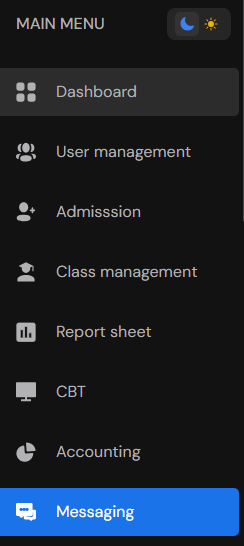
Cloudnotte Dashboard
Click on **Messaging** on Cloudnotte Dashboard.
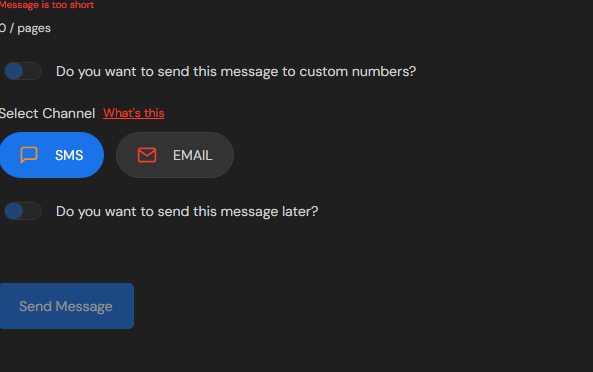
Messaging Page
Click on Send Message. Select your targeted audience(Students, Staffs, Teachers), etc. Select class(es) if assigned to the audience. Write out the preferred message or text you want to pass to your selected audience.